
This column kicks off Dev Insight, a new series that takes you behind the scenes of app development as creators share their stories and opinions. This first one comes from me, your humble Swipe editor.
Earlier this year I released a kids camera app called Lemon Squeezy. And though it hasn’t exactly broken the internet, it’s picked up a small following who love how it offers kids guilt-free screen time that doesn’t bombard them with dopamine hits.
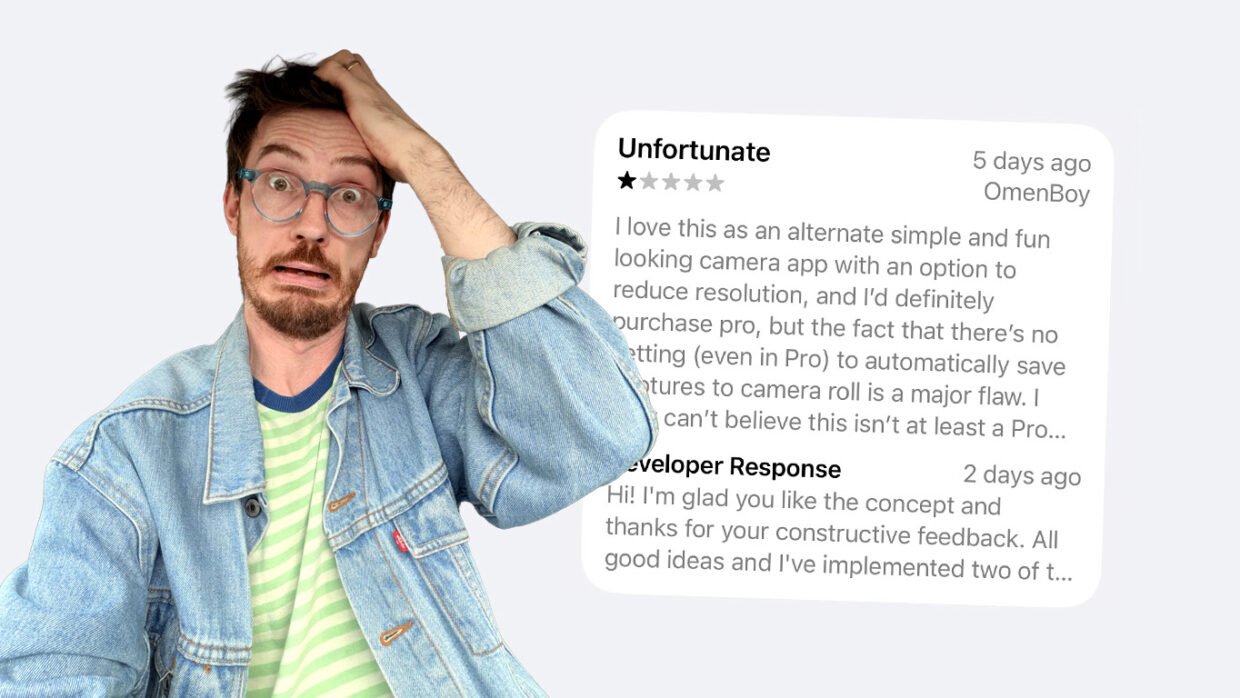
So when my first negative App Store review rolled in – only one star! – you might think I’d be disappointed. In fact, this kind of very specific, hands-on feedback is exactly what I’d been hoping for. The fact somebody cared enough about my concept to leave constructive criticism is very encouraging! (Although for future reference, three stars would have been enough to get the point across…)
Anyway, here’s how it helped me.
The problems I set out to solve
When designing Lemon Squeezy, I was trying to solve three problems I’d encountered when my kids tried to use the default iOS Camera:
- They clog up my camera roll with blurry selfies and floor shots
- They mis-tap the shutter and switch modes by accident
- They are one tap away from full access to my entire photo library
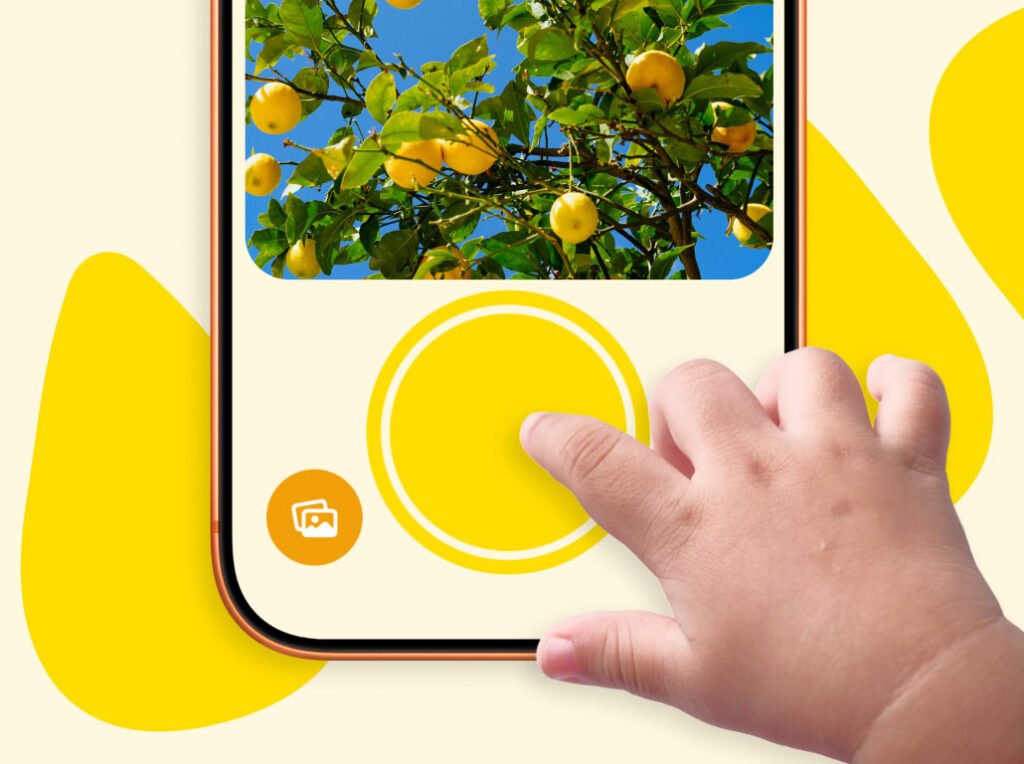
I think I solved these problems pretty well: the interface is simple and safe for kids to use independently, and the app has a built-in photo library that keeps everything separate from the main one. Photos can be manually favourited by kids, and then a single batch export button in the locked settings area allows parents to save only the faves to their own camera roll. This works amazingly well for me and my kids!
The complaints
So when I got a review complaining that they had to export photos manually instead of them auto-saving to their main camera roll, I was surprised. That separation of libraries is a big selling point of the app!
But what I hadn’t quite anticipated is that everyone has different needs, and every family will use the app differently. I’d already built in a few customisation options to allow the app to “grow” with a child, but I’d neglected to think of use cases that fell outside my own. So I got to work.
What I changed
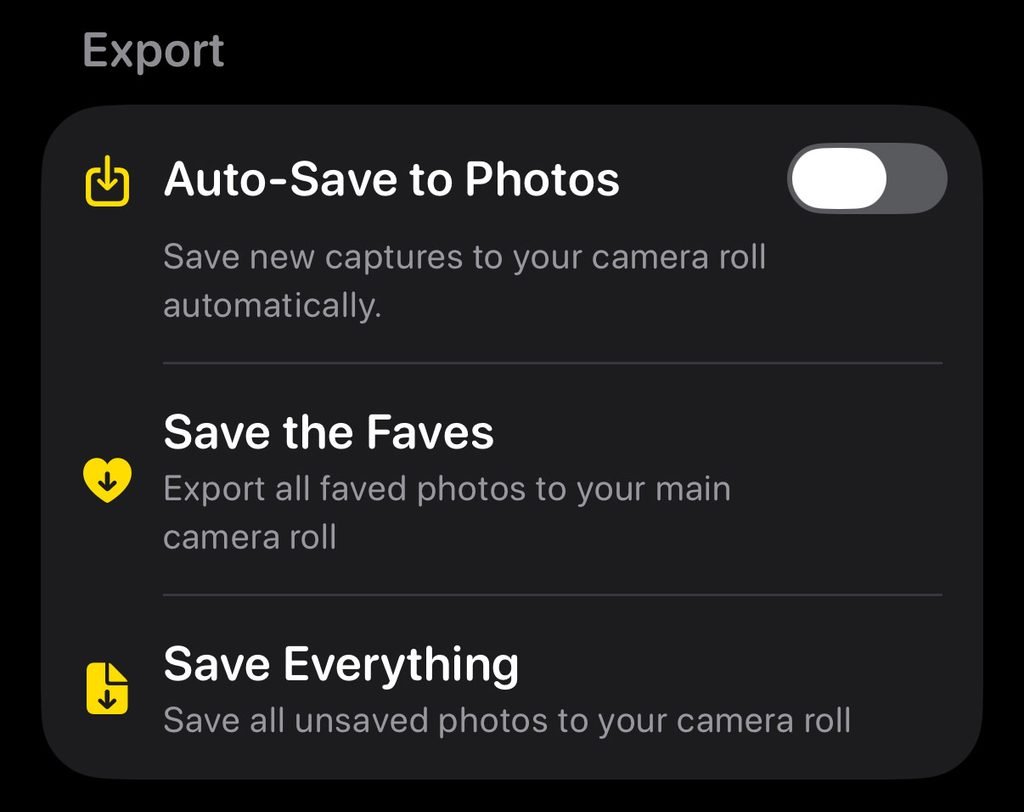
First, I added an auto-save toggle in settings. The separate library is still the default, but it’s no longer the only way to use the app. More options is almost always a good thing, as it lets everyone tailor the app to their needs.
Second, another toggle for the parental gates. This is an age verification screen that pops up when trying to access certain areas of the app, but as noted by this review they can be too frequent and annoying. So now, if you trust your child enough, you can turn them off everywhere but the subscription paywall – so children can’t accidentally upgrade to Pro.
Finally, I’m exploring the reviewer’s suggestion of adding multi-select to the photo library. This is something I intentionally left out in an attempt to keep things as minimal and kid-friendly as possible, but I concede it could be useful, so it might show up in the next update.
The indie advantage
What I love about apps created by indie devs is that we can respond to feedback directly and move quickly in implementing requested changes. There’s no bureaucracy to wade through to make an edit like this – so within 24 hours of reading the review, I had a new version in the App Store with two new features added.
Having addressed this negative review, I’m hoping the original poster edits their rating to give me a few more stars. But even if they don’t, the feedback has been invaluable in improving the app in ways that had never crossed my mind. Here’s to the next one!