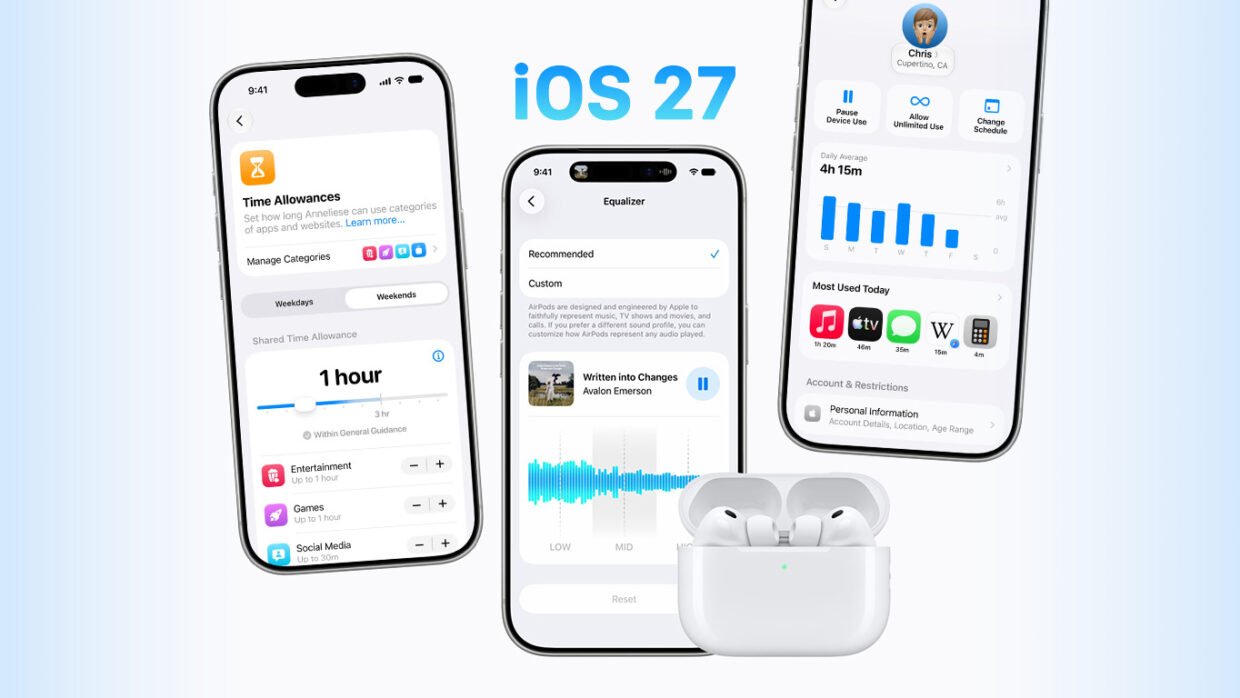

Less than a week after unveiling the iPhone 18 Pro range and the $2000 iPhone Duo – and following three months of beta testing – Apple has officially released iOS 27 to the public. The update is free, and while this is a quieter year than last year’s iOS 26 overhaul, the headline change is a significant one: Siri has finally been rebuilt.
iPadOS 27 arrives today too, bringing the same core changes to iPad.
How to update
Head to Settings > General > Software Update on your device. If the update is available, tap Download and Install and follow the prompts. Make sure you’re connected to Wi-Fi and ideally plugged into power – it can take a little while, and your device will restart once the installation is complete. If nothing shows up straight away, give it an hour and try again. Apple staggers the rollout, and the servers can take a battering on day one.
A note on Siri
Siri AI ships alongside the update, but it’s rolling out as a beta rather than a finished feature. It’s English-only to start, with French, Japanese, Korean, Portuguese, and Spanish following in October, and it won’t be available in the EU at launch. Head to Settings to opt in if you want to try it immediately, but expect some rough edges while Apple works through it.
What’s new
If you’re itching to dive straight in, here’s a handy cheat sheet to all the most notable new features. You’ll notice most of them are Siri or Apple Intelligence related – those things were Apple’s main priority this year, and it shows. But you’ll also find some nice quality-of-life features in here, not least the ability to tone down Liquid Glass.
Tap any link for a closer look, or start with our full iOS 27 preview for the bigger picture. We’ve also got some more guides coming very soon, so keep an eye on our feed for more!
Which devices are compatible with the latest software?
Meet Siri AI: what can new Siri do that old Siri couldn’t?
Chat directly to Siri with the new Siri app
How Siri uses your personal context and onscreen awareness
Customize how Siri sounds with new voice controls
Take control of Liquid Glass with the transparency slider
Set ringtone, alarm, and alert volumes separately
Stay online when Wi-Fi drops with Connectivity Assist
Fix photos after the fact with Extend and Spatial Reframing
Save a freeze-frame from any video as a photo
Let Safari sort your open tabs automatically
Add calendar events by typing in your own words
Turn any physical card into a Wallet pass
Automate almost anything with a prompt in Shortcuts
Let the Passwords app fix compromised logins for you
Explore the reworked parental controls and child safety features