
What is it? A fidget toy, games console, and loop machine in one
Who is it for? Anyone who loves pressing buttons (so, everyone)
How much does it cost? Free with three full games; $2/£2 per extra game, $4/£4 for themes or the full sound bank
What makes it special? Every design decision is centered around fun
I have a real soft spot for tactile, retro-inspired gadgets, and Tapotron hits all the right buttons for me. Which is handy, because the app itself is all about hitting buttons.
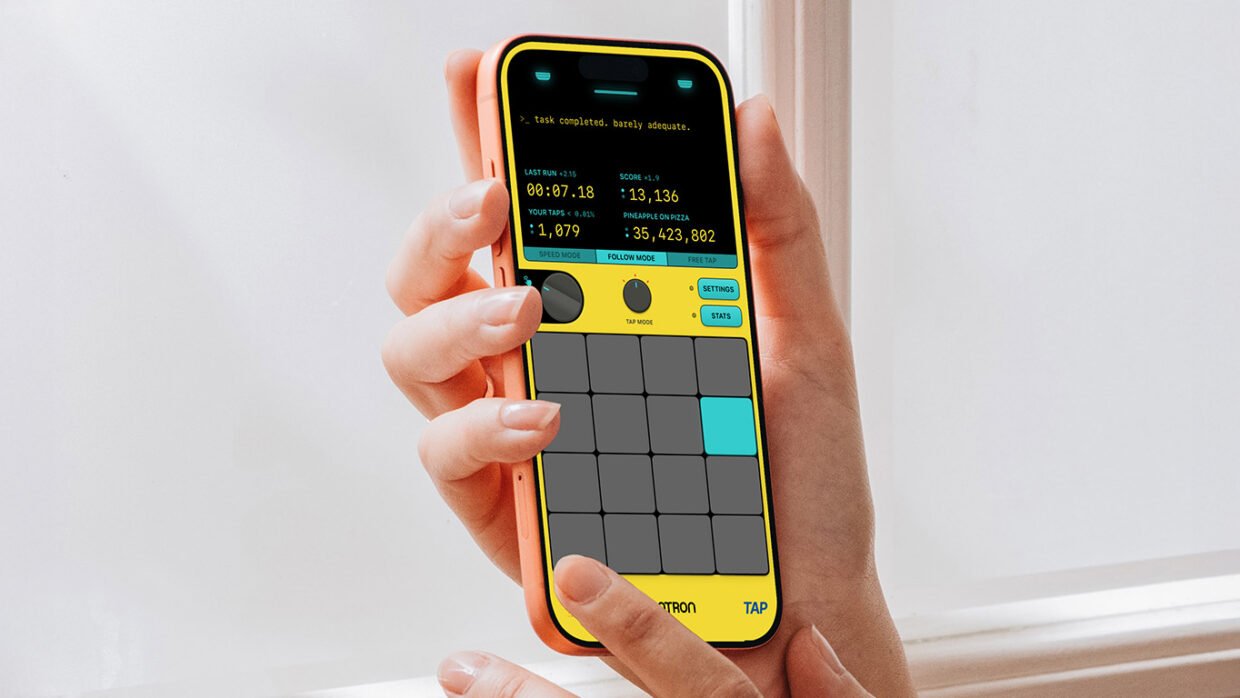
The core premise is simple: it feels good to tap stuff. So the main screen is just that – a grid of charmingly designed tappable squares. Press them to hear lovely blips and bloops, or pick a challenge mode and go for a high score. Above the grid, a faux display houses TAPOTRONBOT, a cheeky robot who narrates your every move. Switch him to “bad” mode in the settings and he’ll serve up snarky feedback that reminded me of the excellent CARROT Weather.
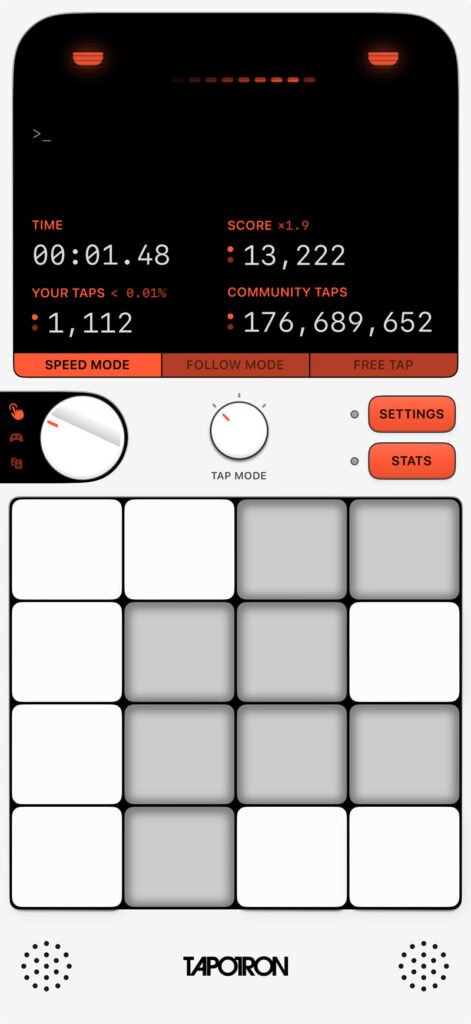
Tapotron toes the line between app and game – it’s like a handheld games console mixed with a fidget toy. Or, as its App Store description puts it, “a calculator with dreams of becoming a piano.” It defies genre-fication in the best way, and I love that every design decision is centered around fun. A chunky knob switches between modes, as if you’re flipping a dial on a real device, and there are swappable themes that unlock as you rack up taps.
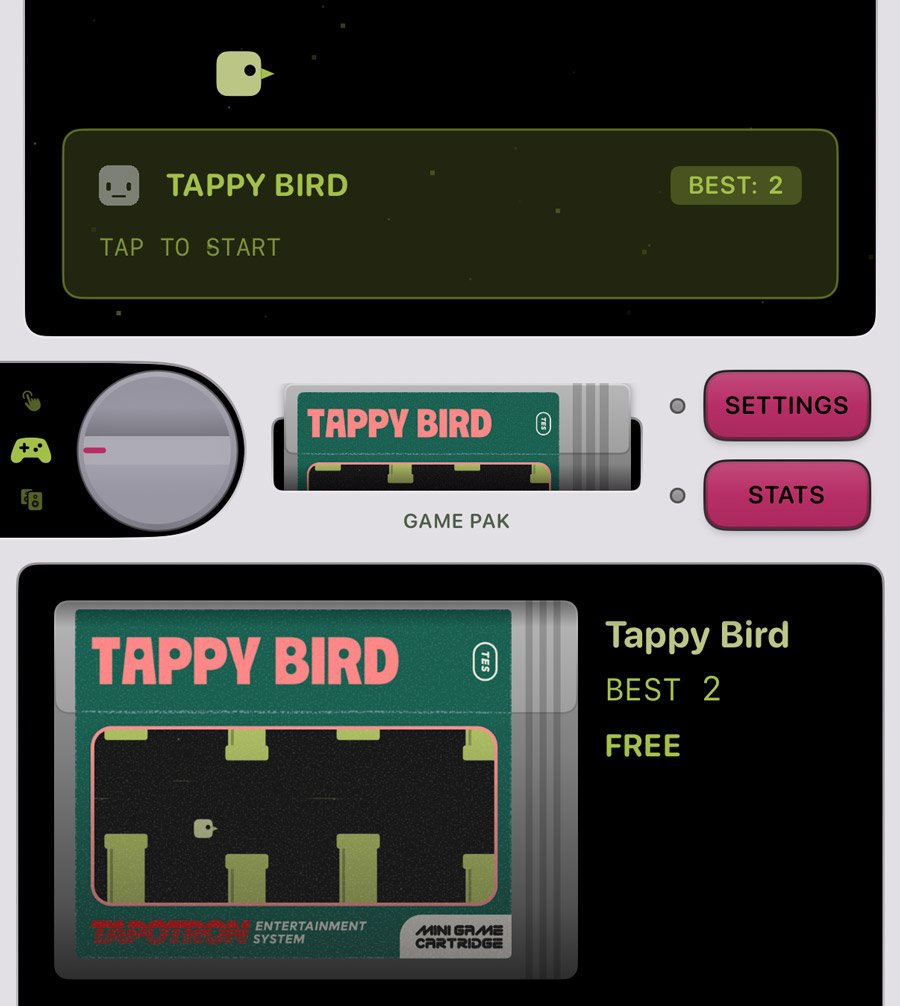
I liked this app well enough when it launched, but the recent version 2.0 update is where things really took off. Turn the knob to Game and you’ll find a stack of cartridges – simple but charming retro minigames like Taponoid, Tap Dash, and Tap Invaders, with demos of the paid ones that never expire. They won’t hold your attention forever, but you could easily get lost in these simple challenges. I found Tappy Bird even harder than the original it’s parodying.
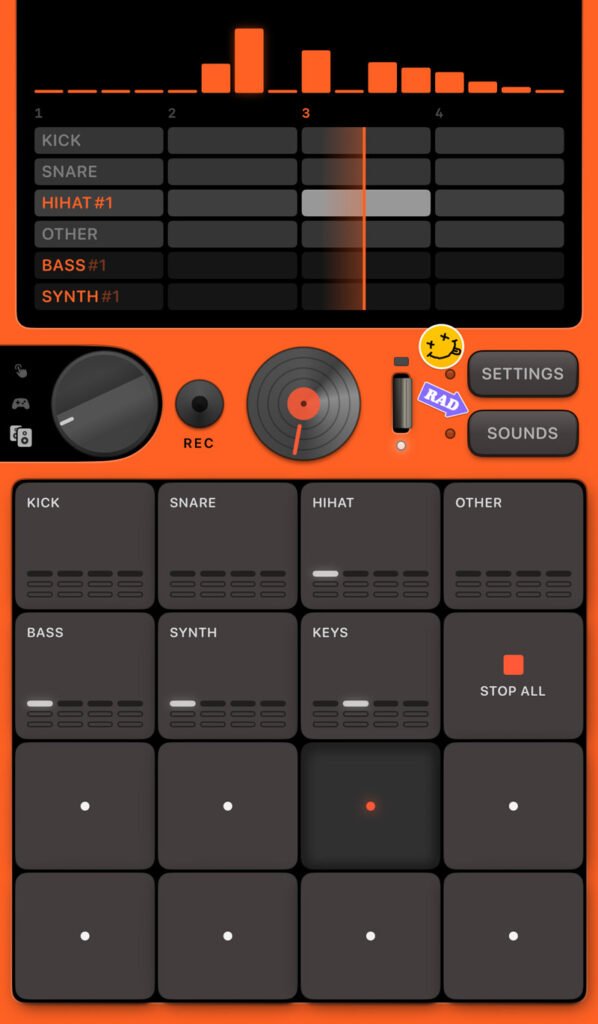
Then there’s the new Music mode, a neat little loop pad. It’s impressive that you can record a full song from such a minimal setup, and it’s full of lovely little touches: you can scratch the central pad like a tiny DJ, while tapping the top display loads up an amazing montage of 80s-style dance videos to jam along to your bleeps and bloops. The loops themselves were made on a Teenage Engineering OP-1, so they sound great, too.
Solo developer Daniel Feldt originally built Tapotron to learn SwiftUI: tap a button, update a number. Then his youngest son started tap-racing it, and it snowballed from there. Version 2.0 is his love letter to the gadgets he grew up with – the C64, Amigas, Nintendos, and old Nokia phones – and that love really shows in the finished product. “I seem to spend time on polish and features that no one might see, but I think it is important,” he told me. “It’s all these things that end up being the sum of a product, and it is noticeable when you do it a lot.”
Ultimately, you can just tell Tapotron is a labor of love, and it’s the kind of thing only a solo dev could put out. A studio with shareholders would never understand the purpose of this app – but it’s an absolute blast.